Step by step way to change Colors Palette for charts in Dynamics CRM
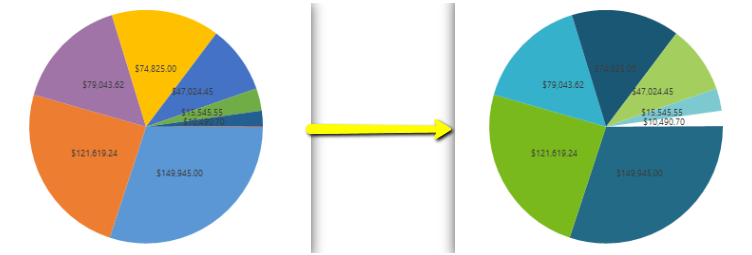
Our start and end result This is the chart for which i need to change the color palette Exports the chart After exporting open the chart XML file in Visual studio or Note pad and replace your own color palette in the below highlighted area and save the chart xml file. In CRM solution click on the Import chart button as shown below: Browse and select your updated chart XML file: Click Import button Click Replace button to update the existing chart Published the entity that contains the chart Refresh your chart in dashboard OR in the entity main grid page